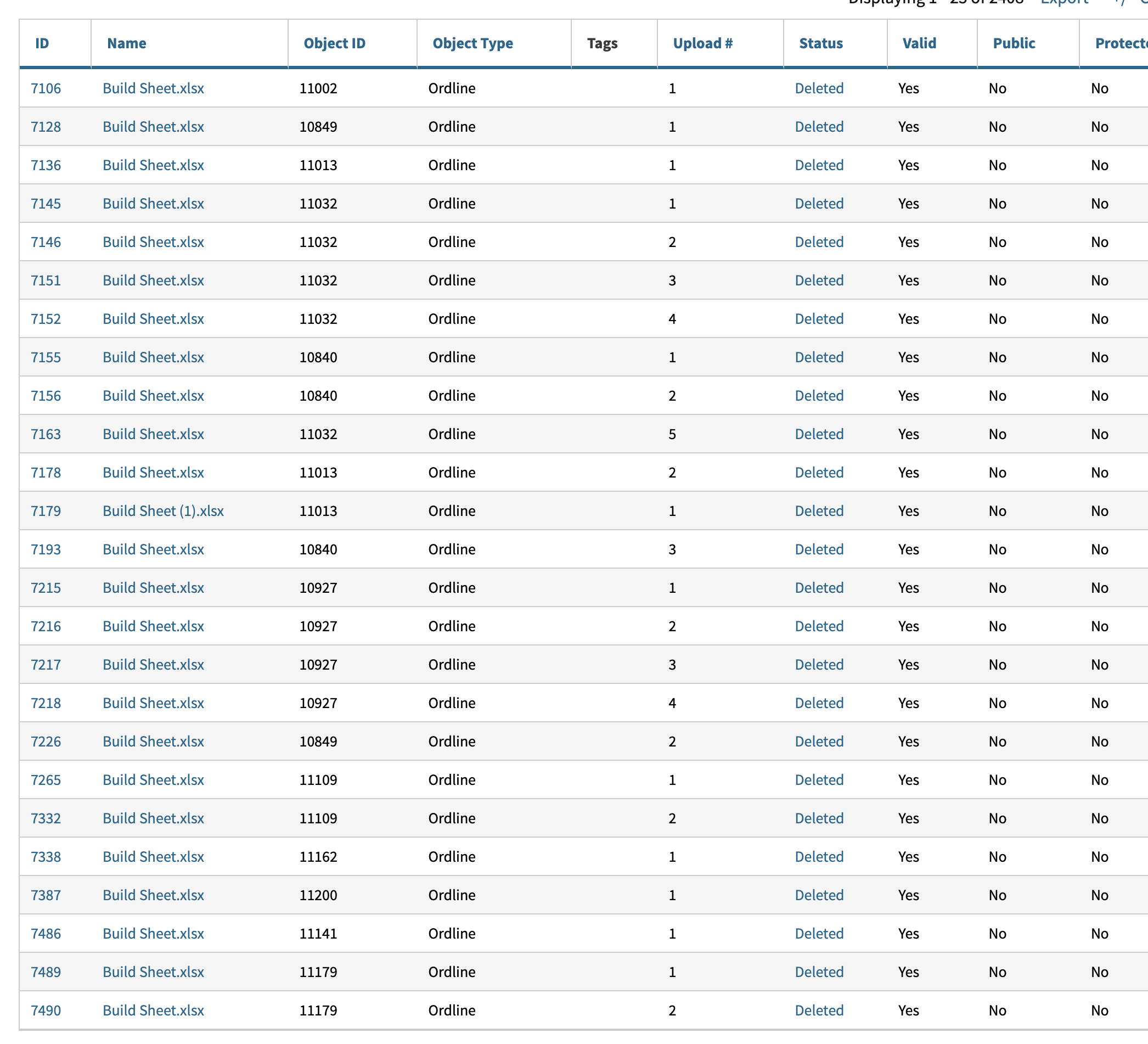
We are being charged for storage space usage and I’d like to clear old documents out. #1. When I “delete” them, they don’t seem to actually go away. So how can I actually clear space?
#2. Any chance of being able to batch or select multiple files to delete instead of having to go through them one at a time?
As you can see from the screenshot I posted, the files do not seem to actually delete. They are still there taking up space. They just get marked as “deleted” but if you click the link, the file still downloads as if it is still there.
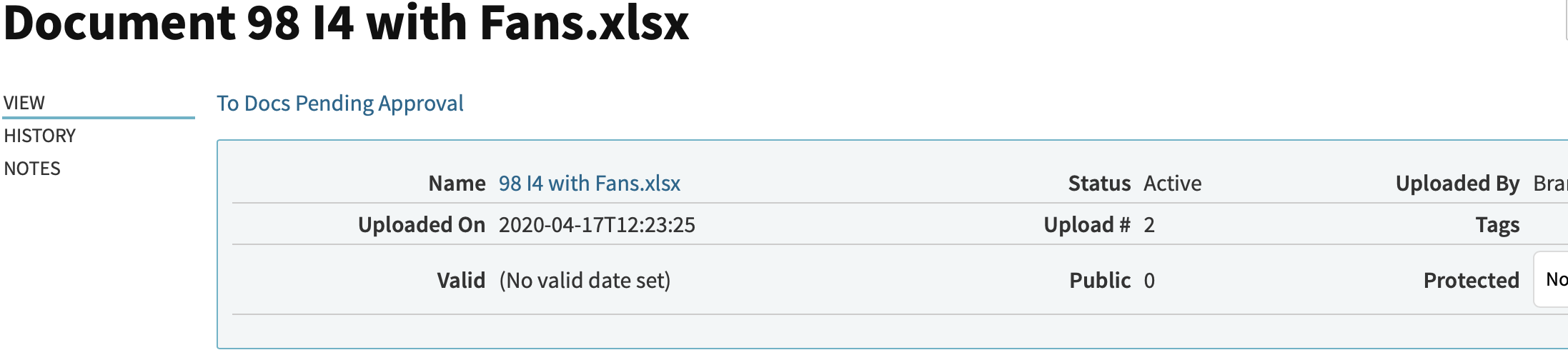
Here is a screen shot of a document and no “x” or any link to actually delete and remove the document. I have tried changing it back from approved and the option never appears.
ChatGPT was able to find that the delete function exists in the code, but there is no place to actually click and delete any documents. It was able to help write a script that allowed me to batch delete documents and finally free up space that I don’t need to be paying for.
Thanks, I’ve been paying for server space usage ever since they started that fee and I’ve asked multiple times about deleting old documents so we didn’t have to pay the fee, but never could get an actual solution until now.