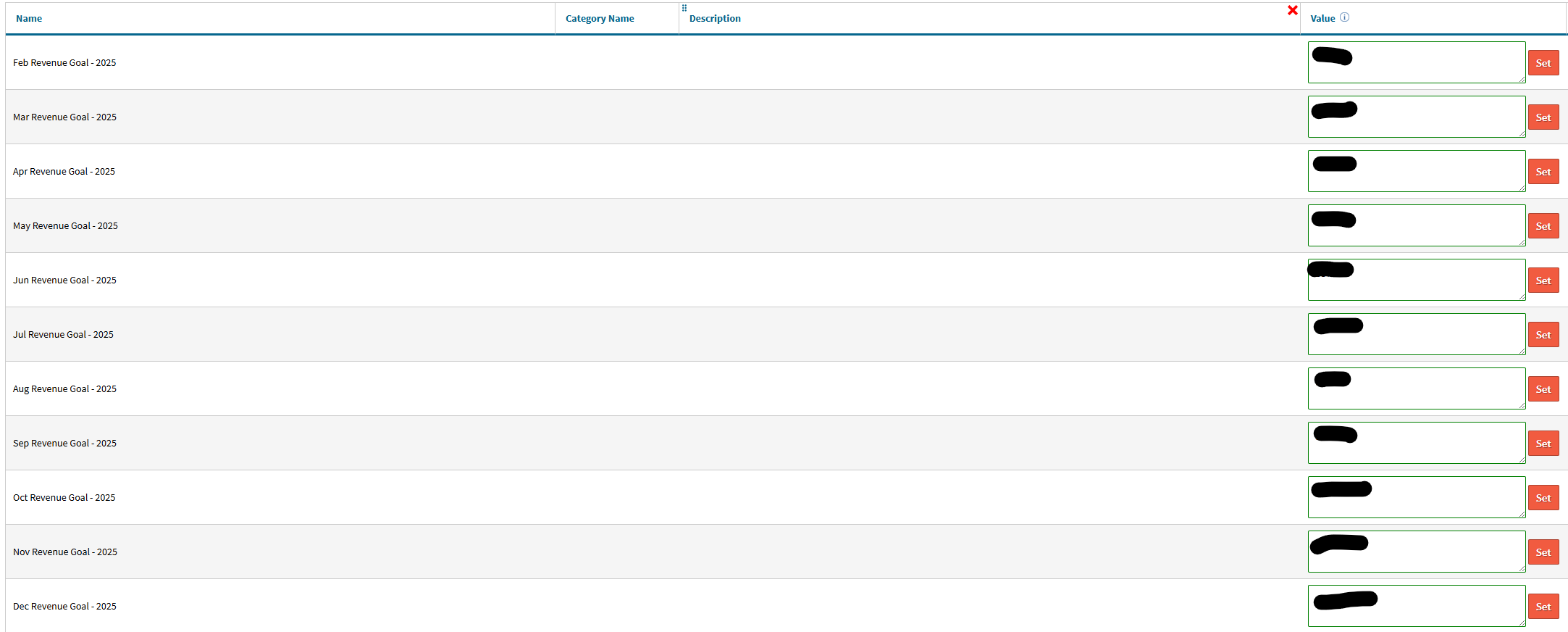
These configs generate once you navigate to the Production Dashboard.
To do this, open Admin > Dashboards > Production Dashboards. Once you’ve visited that page, you will then be able to go to Admin > Config Settings > and then search the config settings for “revenue” and see the configs for 2026 have generated.