Newer user to CETEC here…. I am looking for a component usage report to help with our tariff process. Can anyone point me in the right direction? TIA!
@zfranklin96 thanks for the question! For any component when you’re viewing the part page there will be a link on the left navigation pane labeled BOM Use.. if you click on that you’ll see what are the active BOMs currently using that part as a component.
Let me know if that meets your needs or if not, let me know a few more details of what information you’re trying to find.
Thanks!
CetecERP Support
This isn’t quite what I’m looking for. I’m looking for a report to track component usage by month. We are exploring our options on how to handle tariff costs and pass those on to our customers using landed cost and tracking the component usage by customer by month.
@zfranklin96 thanks for the additional information. Maybe try the historical demand report.. you can view that by going to Parts > Reports > Historical Demand. On that report you can filter by customer and see part demand based on past number of months shipments or future number of months orders.
Let me know if you have any questions.
Thanks!
CetecERP Support
Hi,
I found this intresting and wanted to check if that could fullfill some of my needs.
but Parts > Reports > Historical Demand isn’t a menu option avalable to me.
Is there a config setting to make that visable to me?
I am Admin.
//H
Is there not a report that I can pull what components have been shipped by customer within a date range? I’m looking to to pull the components and the landed cost per component over a specific date range.
@sisyfos your environment has lite mode turned on which hides some reports. You can change that by going to configs and search for “Lite Mode” and set that config to 0. After that the Historical Demand report should be visible.
1 Like
@zfranklin96 when you go to the historical demand report, make sure you’re using the new version. If you’re on the older version of the report you’ll see a new version link below the filter fields.
Once you’re on the new version of historical demand you’ll see a customer filter on the top right..
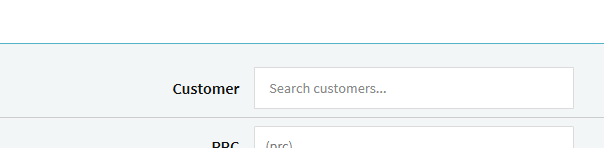
Adding a customer there and submitting the query will return all parts related to orders/shipments for that customer.. both BOMs and also the BOM components.
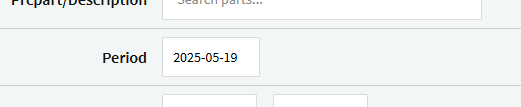
By default the historical period is set to six months.. however you can set the date which is used to calculate demand to anything you like.
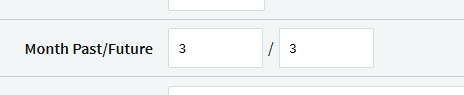
Additionally you can choose to see demand for each individual month.. either in past shipments or existing open orders by scheduled ship date.
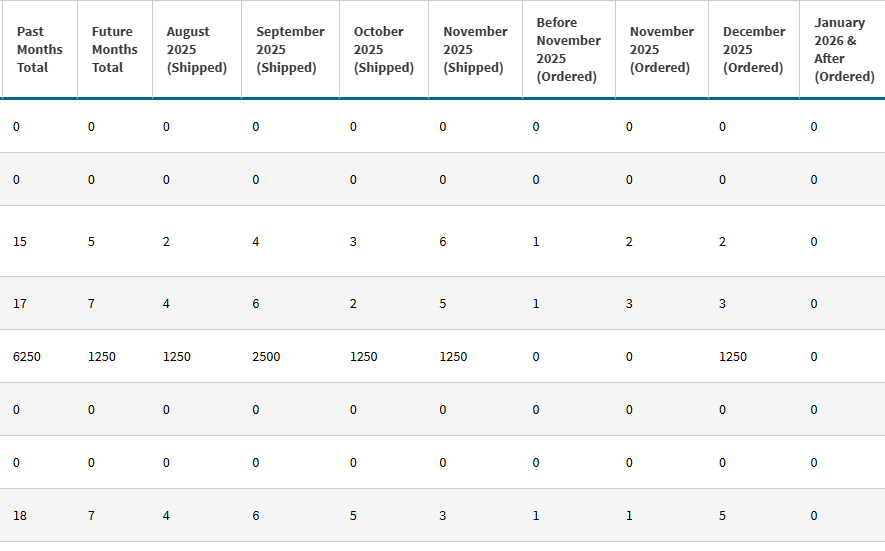
The report also displays the Inventory Value for the historical demand period you set but not for the monthly buckets.
Thanks!
CetecERP Support