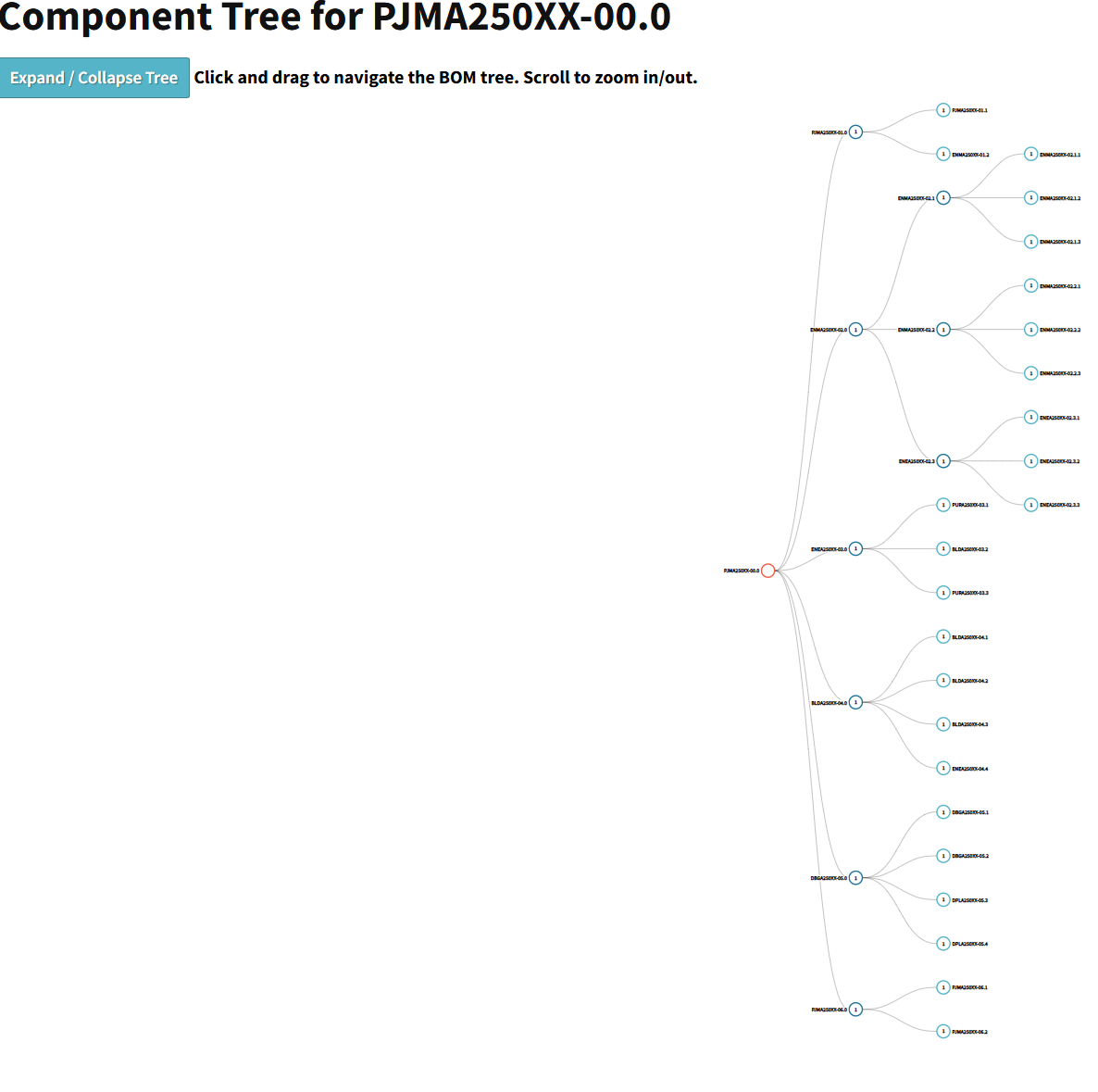
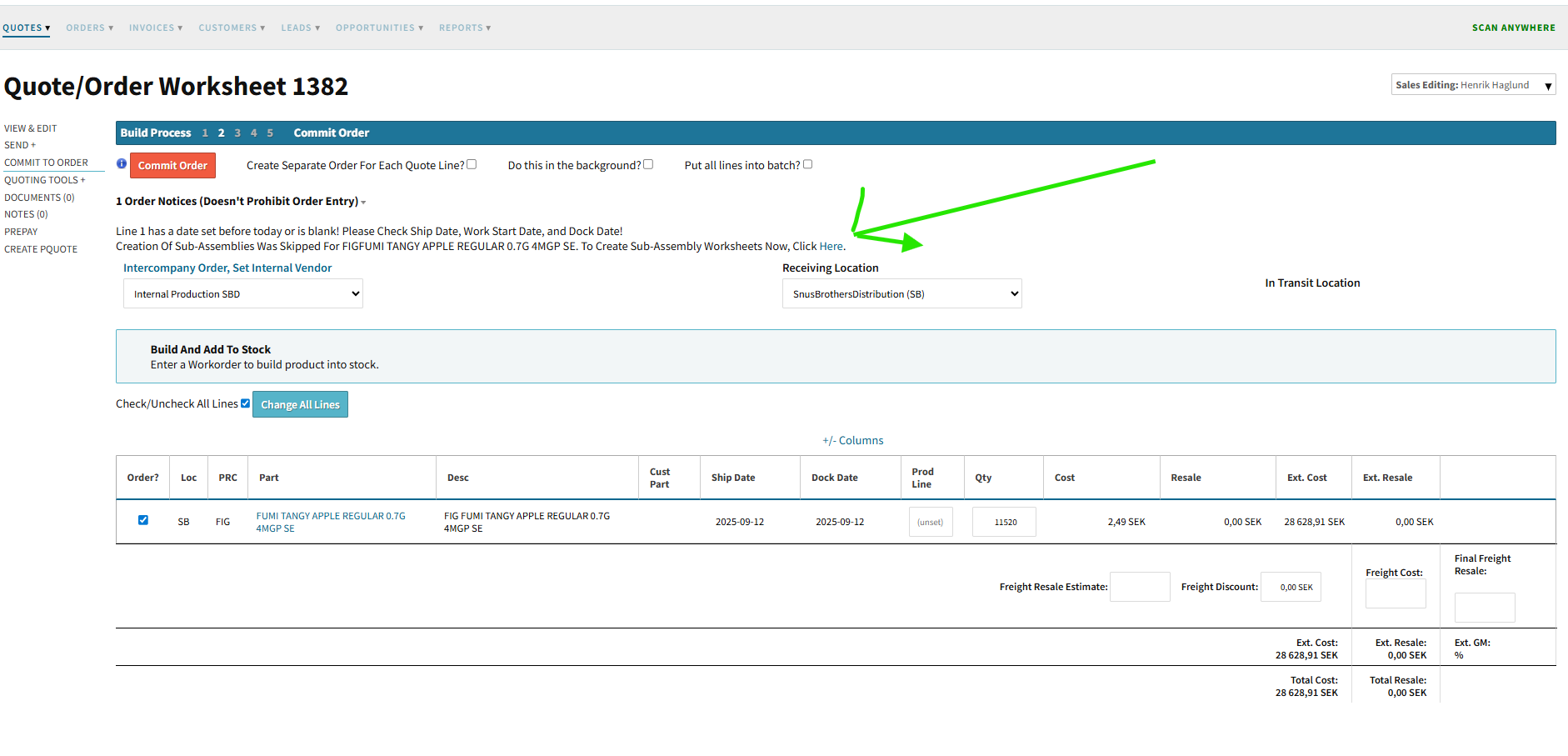
Is there a way to create an order for a multi-level BOM and have all assemblies and subassemblies show up directly in the order overview (instead of just under the material BOM)?
I’ve tested the following options, but none of them gave me the result I’m looking for:
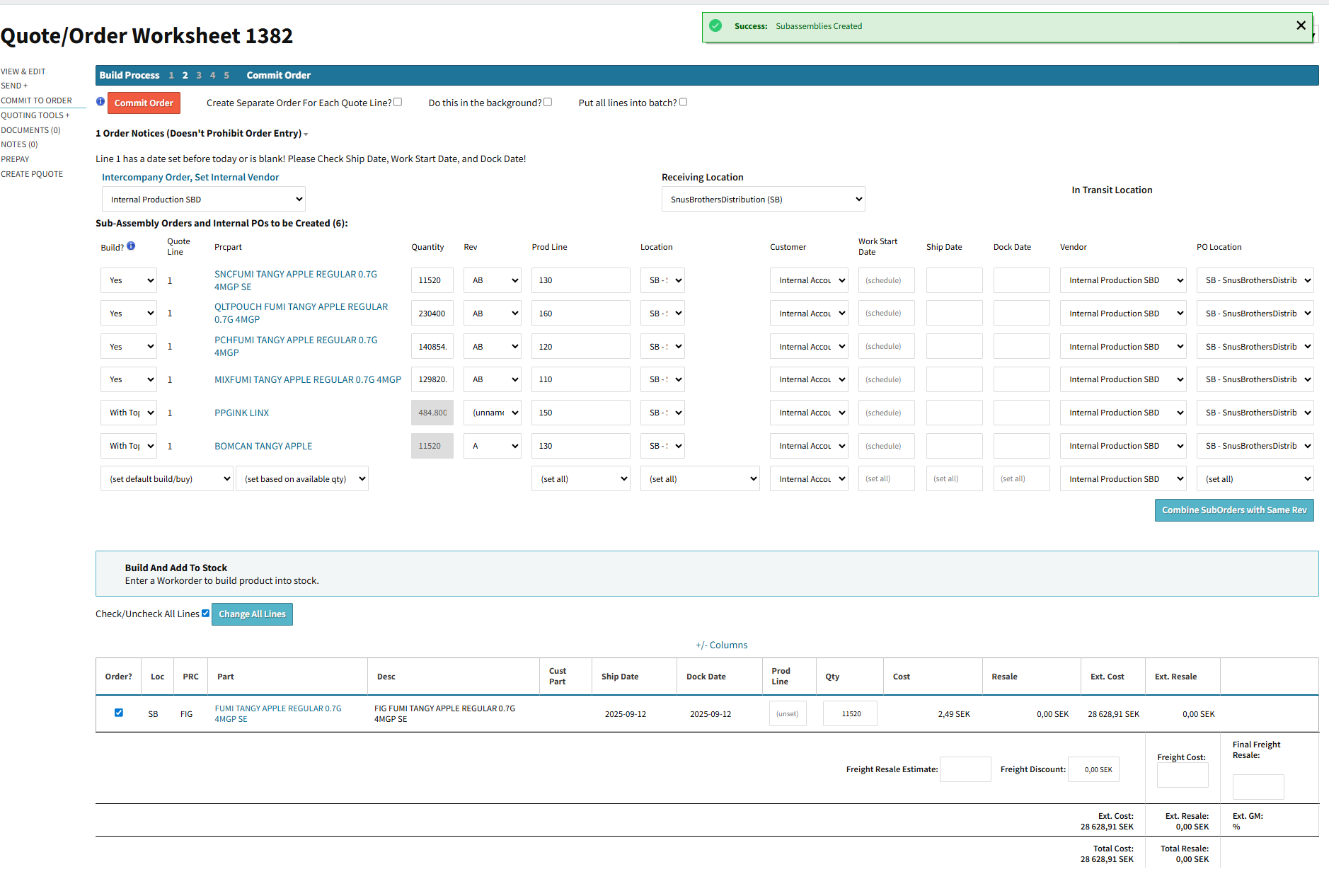
@rcheremeh - no, there is no way to do what you’re asking in Cetec ERP. The closest thing to what you’re hoping for there is to use “Create an order for a multi-level BOM – Build WITH YES”, i.e. build = yes on every subassembly in the BOM.
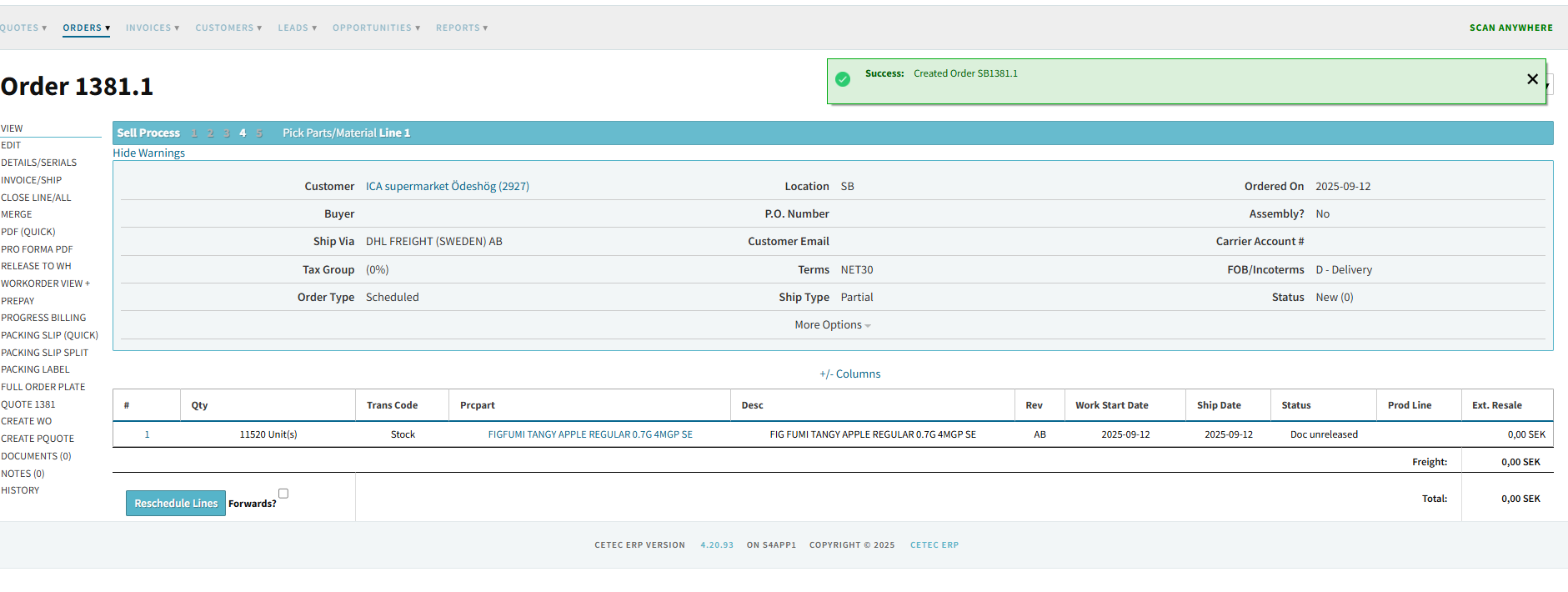
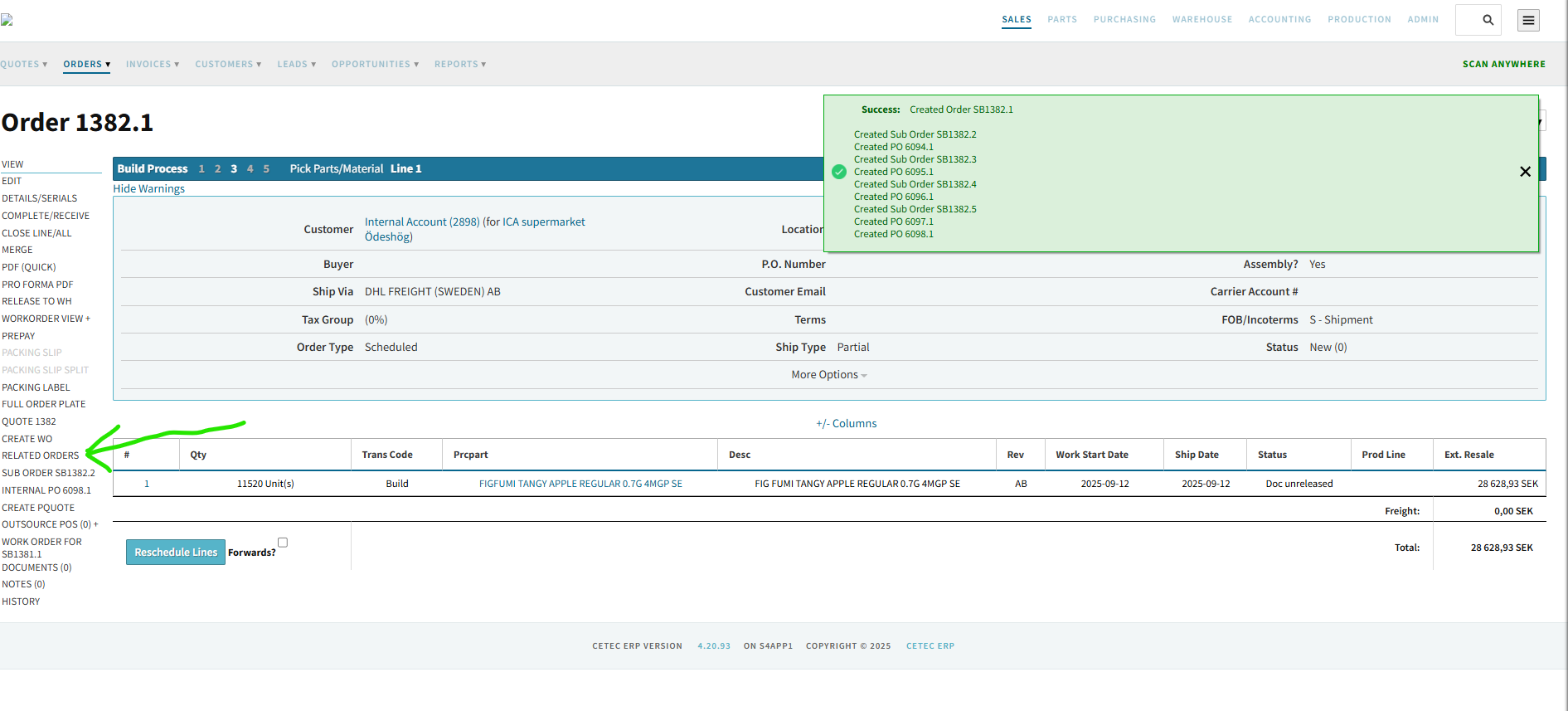
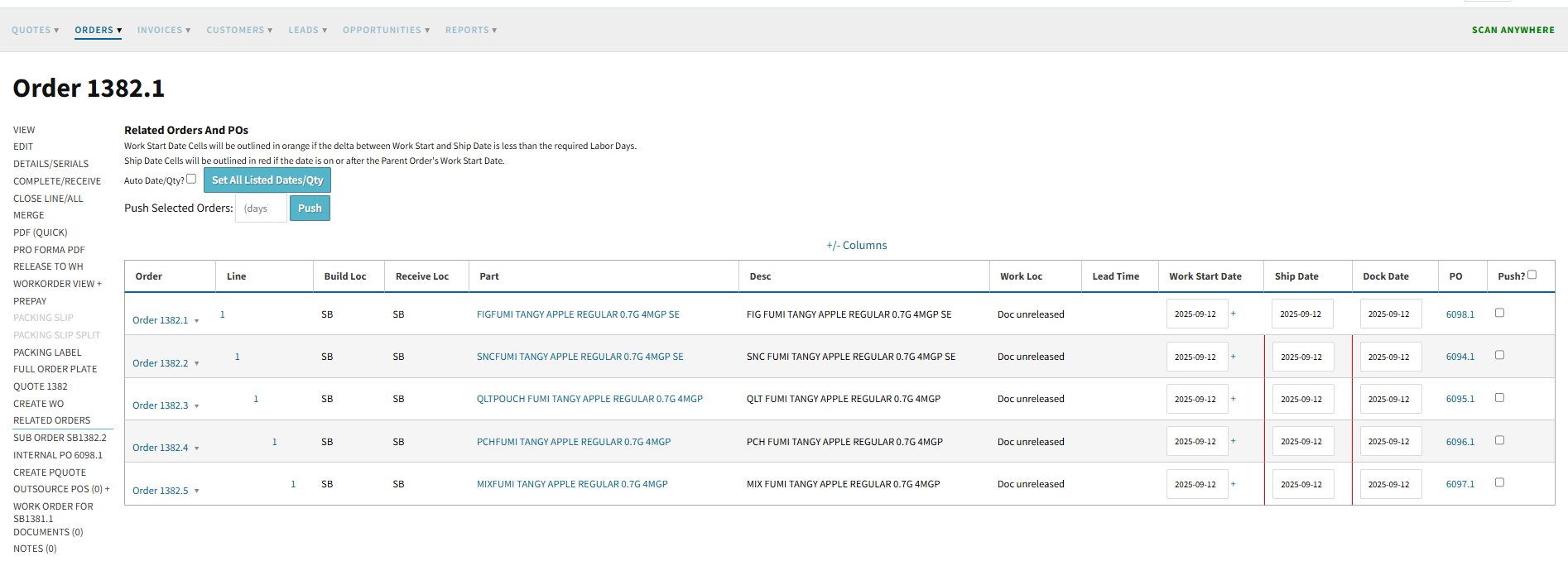
Then, on the order overview page, find the “related orders” tab on the left side menu. That will show the entire tree of orders in a single screen.
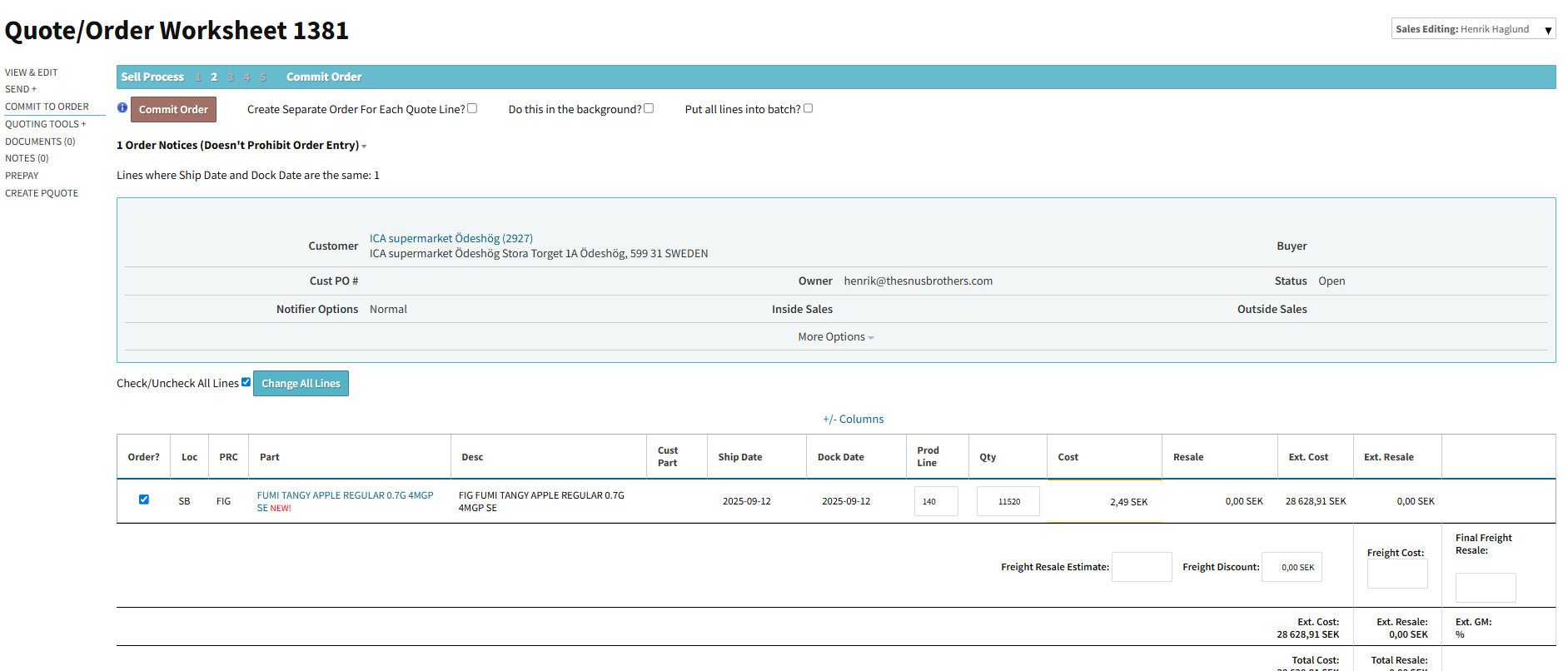
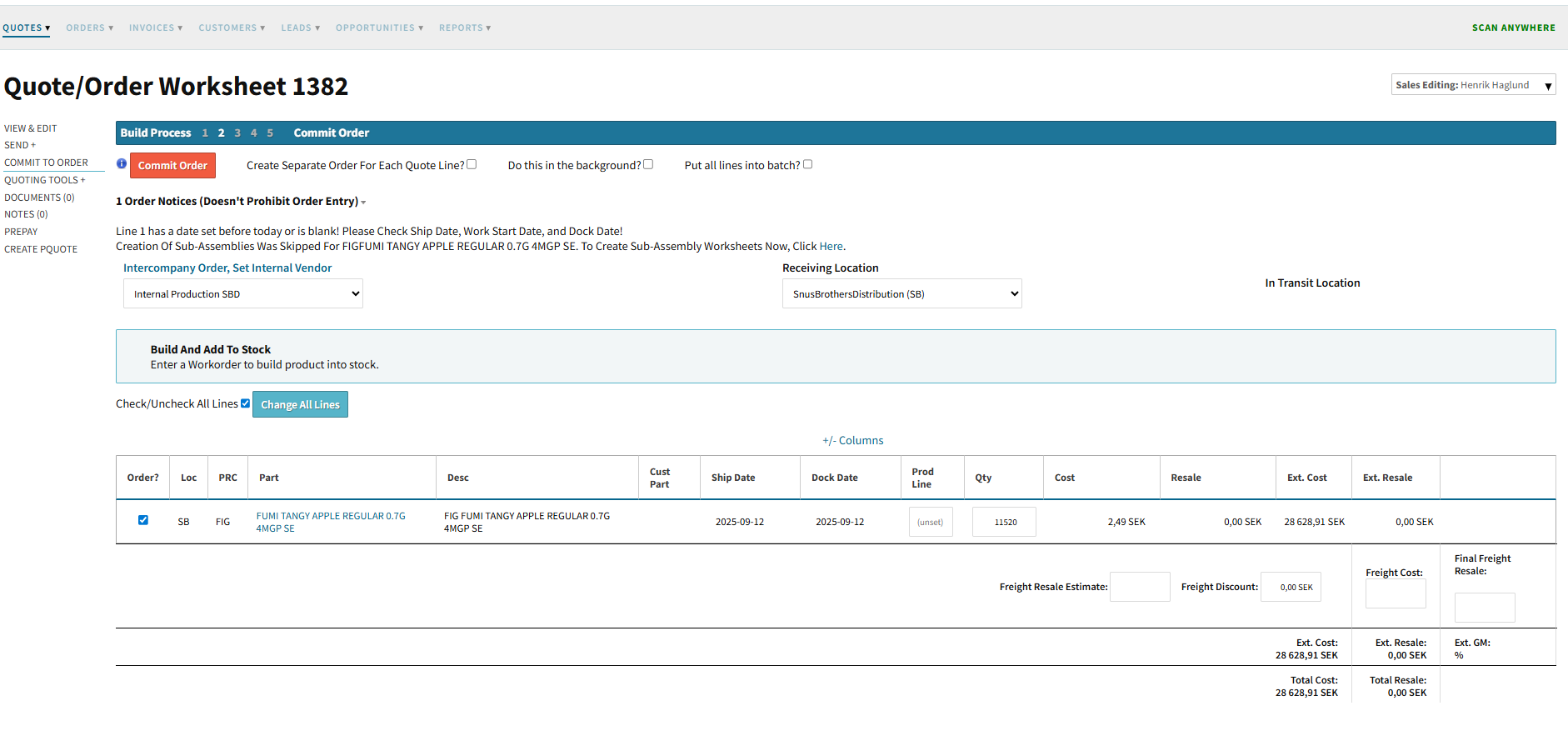
@rcheremeh - yes, you can put build=yes on all the child (and grand child, and great grandchild) subassemblies as well (on the “commit to order” page).
Well i don’t see the (“grandchildren and greatgrandchildren”) when im creating the order. I only see the Parent then the children. No “grandchildren or great grandchildren”
I agree that this would have been ideal.
And even better would have been if there was a setting so that you could get it to show all the subassemblies on the same order and also run the MRP report towards that.
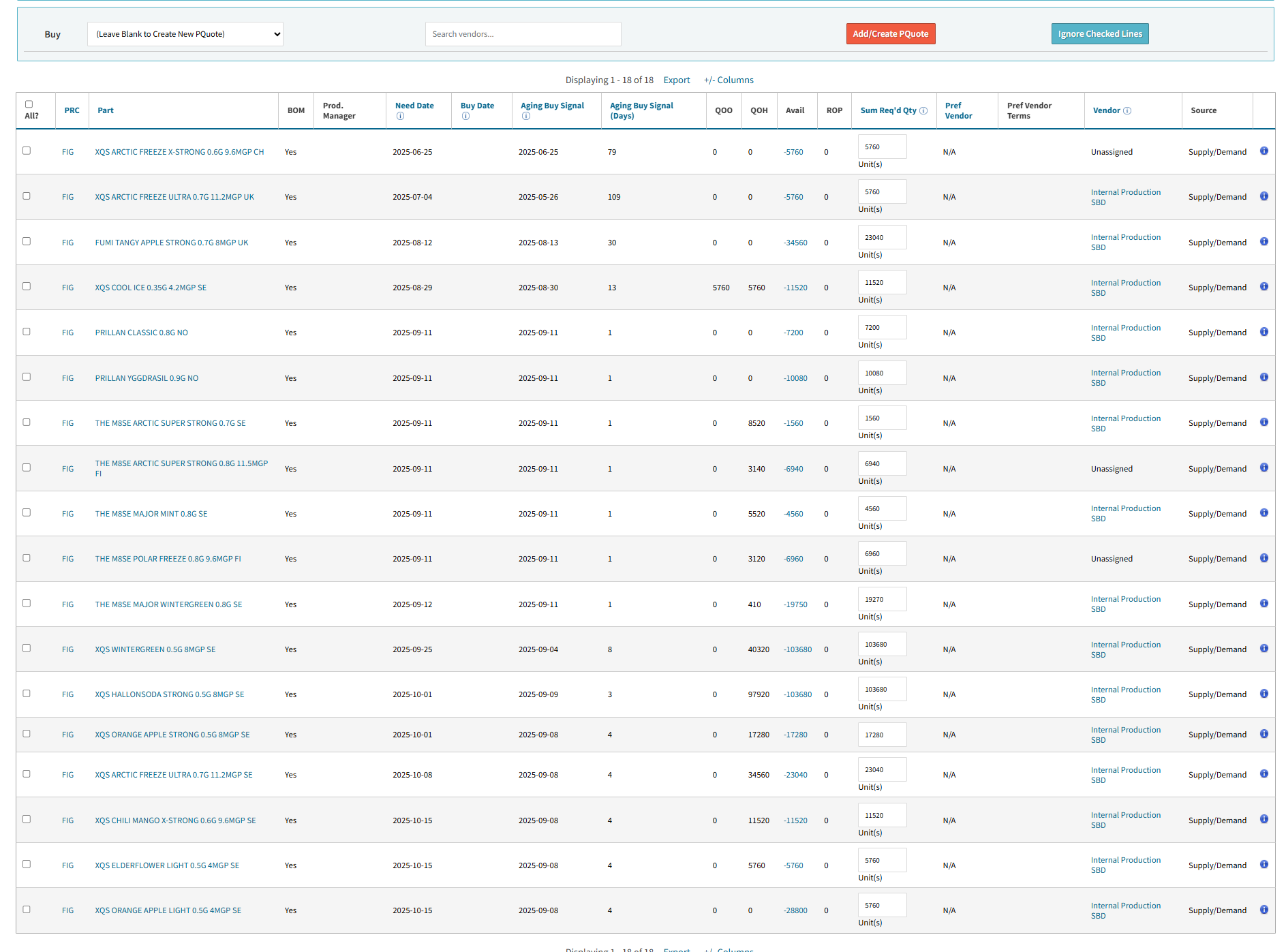
That way you would just have to create an order for your top part and all the demand on each subassembly would show up as supply/demand triggered quantity on the mrp report.
From there you could then just create your build orders internally for the need dates listed in the MRP report.
Of course all the material under the subassemblies would also be listed in the mrp report.
And you could easily crete purchase order for that as well, just taking into account the lead time for the parts.
Unfortunately today when you run the MRP report it only takes into account the demand for the toplevel part like this if you do not have default build on your subassemblies.
So the only way around it is to set all subassemblies to default build.
But then you end up with lots of build orders that you need to plan at the exact time that you take the customer order. or replan at a later stage.
IT would have been nice to be able to separate the time of the customer order and the procurment process and finally production planning.
I am still struggling a little bit with how I should make this fit in our organization.
As we have subassemblies that fit in many of our top assemblies we would like to be able to plan those in larger batches.
That way we could plan to build 100 000 units on monday and thereby supply 2 orders of 50000.
one is due next wednesday and another the wednesday after that.
Then we would only have to plan 1 workorder for those.
But As of today this needs to be 2 workorders in the system in order for the supply/demand to work in the MRP report.