Hi!
Since the update to 4.23, we can no longer add pictures to the work instructions. We do not use fancy work instructions. When we try to add, it just sits there, but doesn’t ever stick.
Thanks,
Kelly
Hi!
Since the update to 4.23, we can no longer add pictures to the work instructions. We do not use fancy work instructions. When we try to add, it just sits there, but doesn’t ever stick.
Thanks,
Kelly
Hi Kelly,
If ‘fancy work instructions’ is off, (and you’re on the part revision labor plan, or the order line labor plan), you need to upload the image as a document, make it active, and then reference it using an ‘img’ tag with a source of the full link to the document. ( including your-cetec-url/api/document/idvalue )
If fancy instructions is ‘on’ in the ‘old version’ of part revision labor plan, the process is the same. (but there is a button to guide you on the image linking).
If fancy instructions is ‘on’ in the ‘new version’ of part revision labor plan, it will encode the image into the labor plan itself.
If fancy instructions is ‘off’ in the ‘new version’ of part revision labor plan (or order line labor plan) the process will require the uploading and ‘img’ src tagging in html.
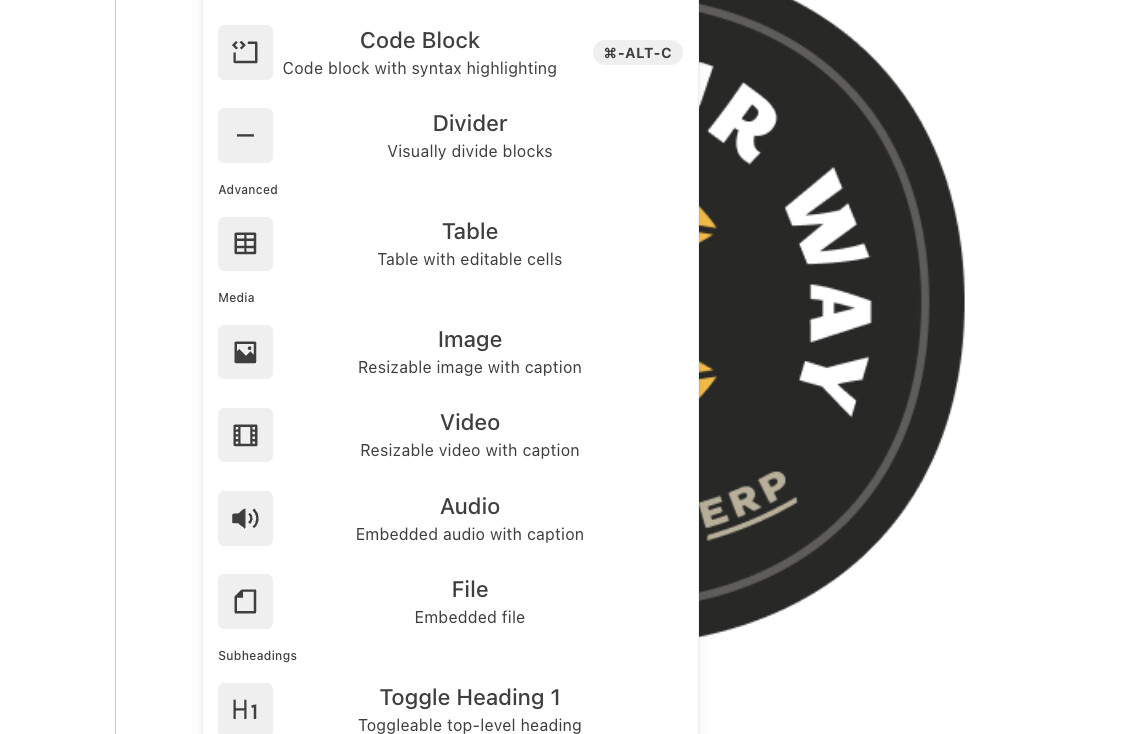
In the ‘new versions’, on the left of the typing area, there’s a little ‘+’, this will pop a menu:
Selecting ‘Image’ will provide a dialog / upload box.
In the new versions, with ‘fancy work instructions’ on, you may also ‘paste’ from your clipboard (this is useful when taking screenshots from another window and is a little bit faster than finding the images).
Hope this helps!
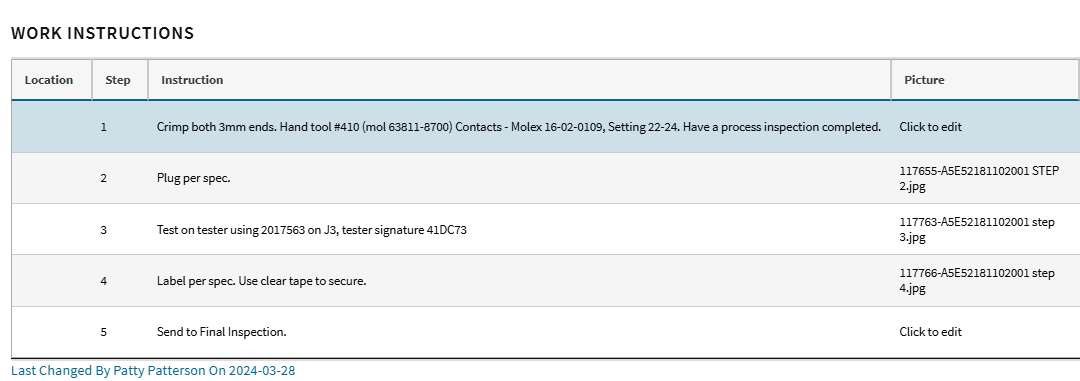
Thank you for your thorough answer. Why did it change in the “old version” though. We have never had to do that before. Here are some screenshots of where we are:
When we click Click to edit:

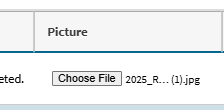
After attaching:
But then it doesn’t actually attach….
Hi guys, circling back on this from my last response. I do not think we were talking about the same place. Please see the pictures I attached.