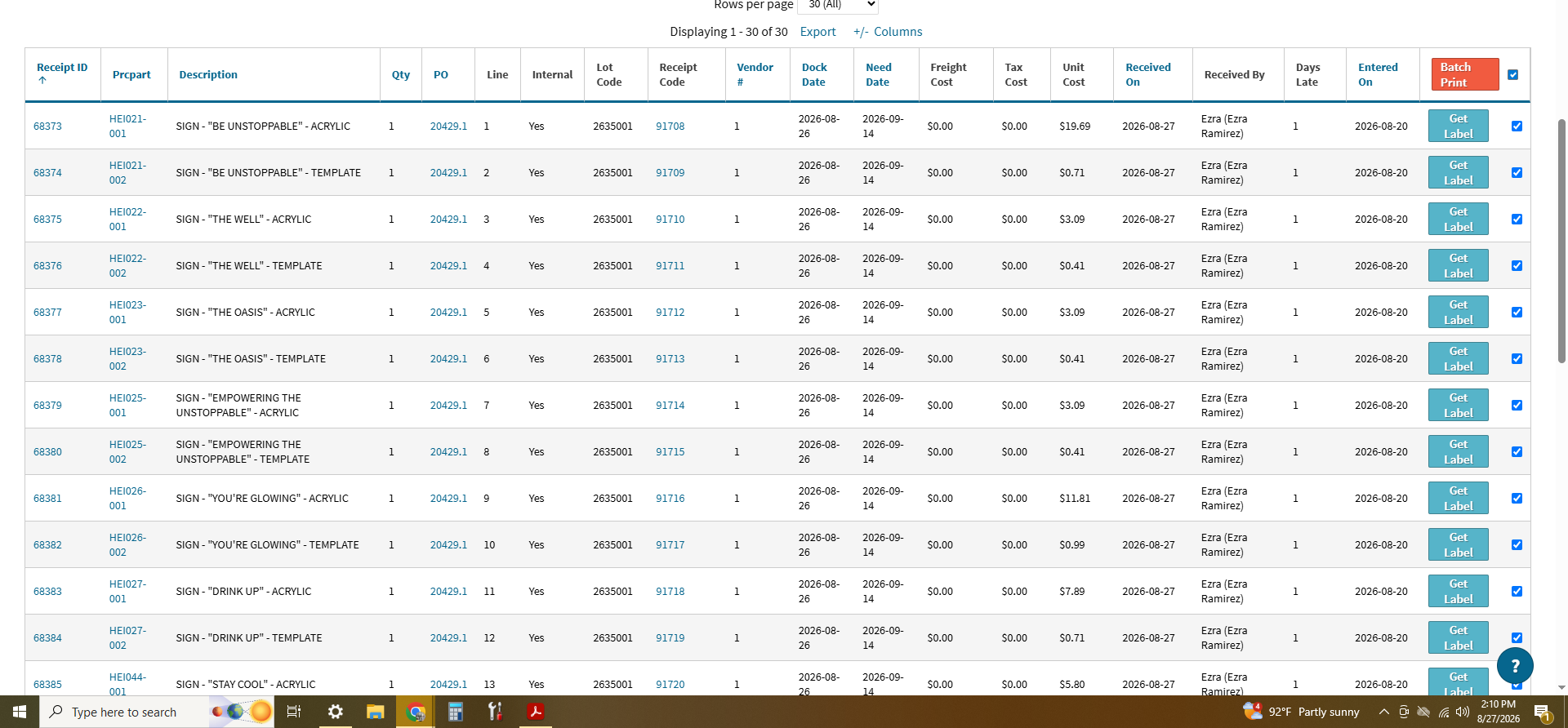
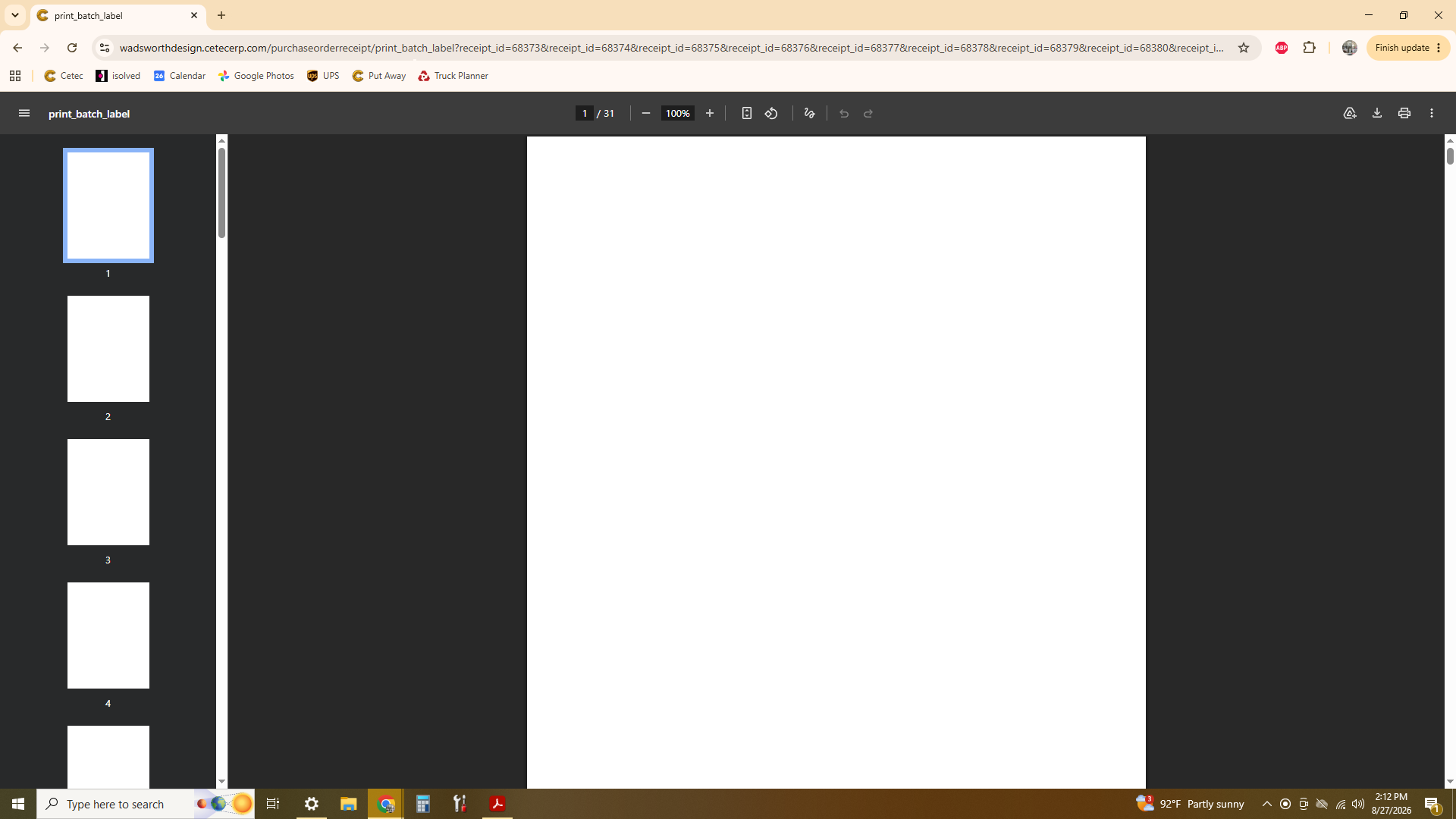
I have 30 receipt labels that I need to print, printing them one by one is exhausting. I have tried to use the batch print function, but it hasn’t been working. After selecting the receipts that I would like printed and clicking the orange “Batch Print” button, it redirects me to a pdf file. The generated document, although it has 31 pages, each page is completely blank.
I’m not sure if there is something that I’m doing wrong.
I apologies for this issue that you’re having I know that’s pretty frustrating.. let me get started over here trying to reproduce this issue for you.
Once I’ve reproduced it I’ll send this over to engineering for review/evaluation. Since the batch print process isn’t working, you’ll need to continue using the single label process unfortunately.. but we’re going to work to get this resolved as quickly as we can for you.
Hang in there, I’ll be in touch with an update as soon as I’ve got details here.
I have a case sent over to the engineering team who is reviewing this to see what’s causing the issue. Once they’ve got an update and have passed this back my way I’ll be in touch with that information.
I have an update here from our engineering team that I wanted to pass along – note this is going to take approval on your end for us to enact these items listed below in your production instance:
The batch print issue you are experiencing is a known issue with customer’s still using the pdf generation engine “wkhtmltopdf”. If you would like to fix this issue, we will need to change that generation engine to instead use a more modern chromium engine.
This will impact the styling of all system generated documents, both default and custom. In most cases this should be minor. Where it can really matter is with a check pdf, which we do see you have a custom document for.
We have taken a pass at also updating your quote pdf document, commercial invoice document, and check pdf document, so that these styling differences will be as minor as possible. Should you want to go forward with updating your pdf generation engine (which will be required soon with future Cetec versions) Engineering can put those new documents in place and switch the generation engine configuration setting at one time, so you can review. Should there be issues that require reverting back, we will have saved copies of the original documents in order to be able to revert back.
Let us know how you would like to move forward at this time.
Note - actions have not been taken in your live environment - we’ve done these via changes in a backup that was taken. In order to enact these changes in your live environment we would need approval to do this first.