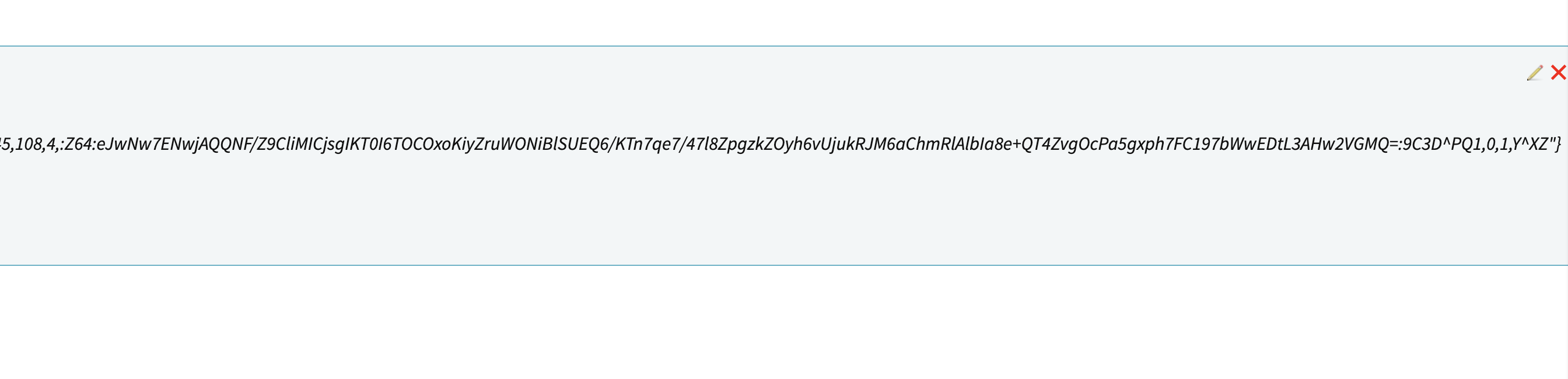
Hello,
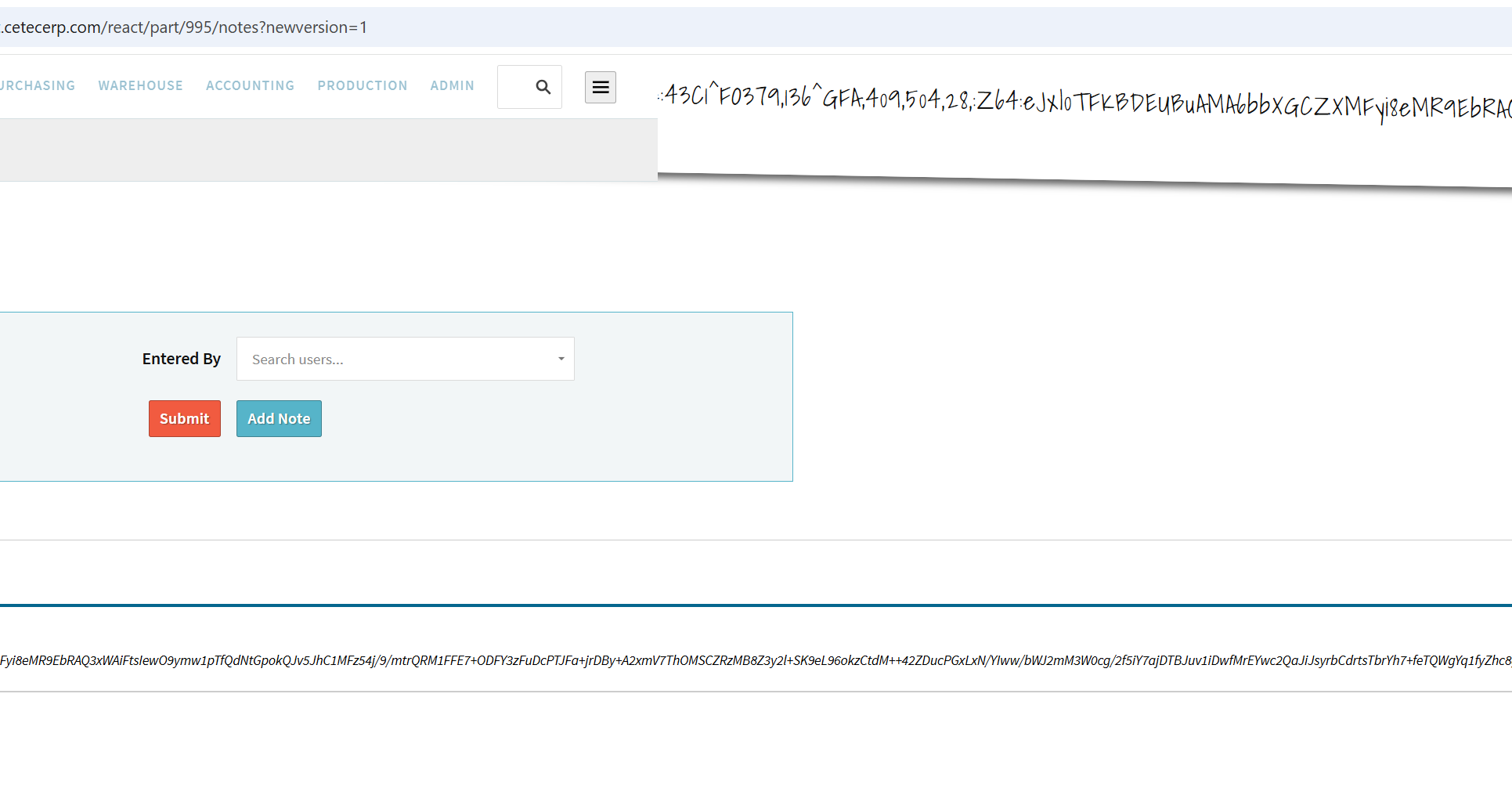
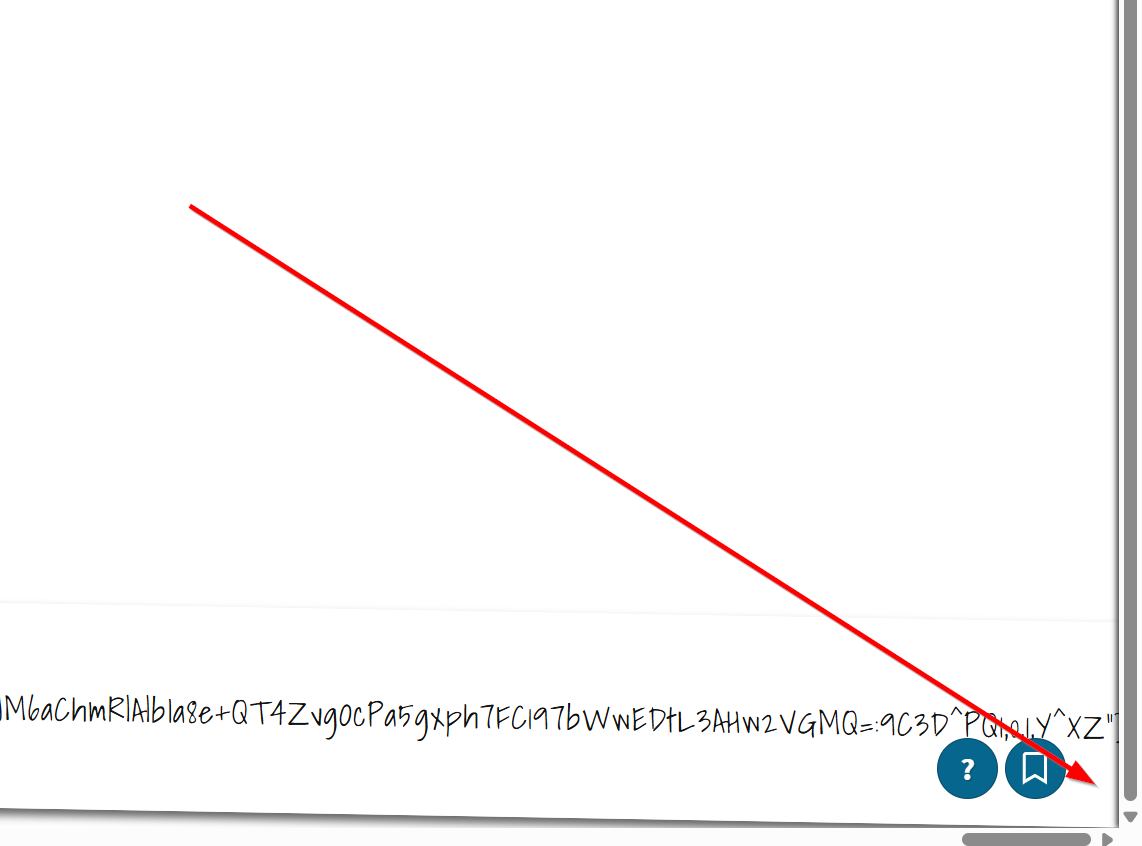
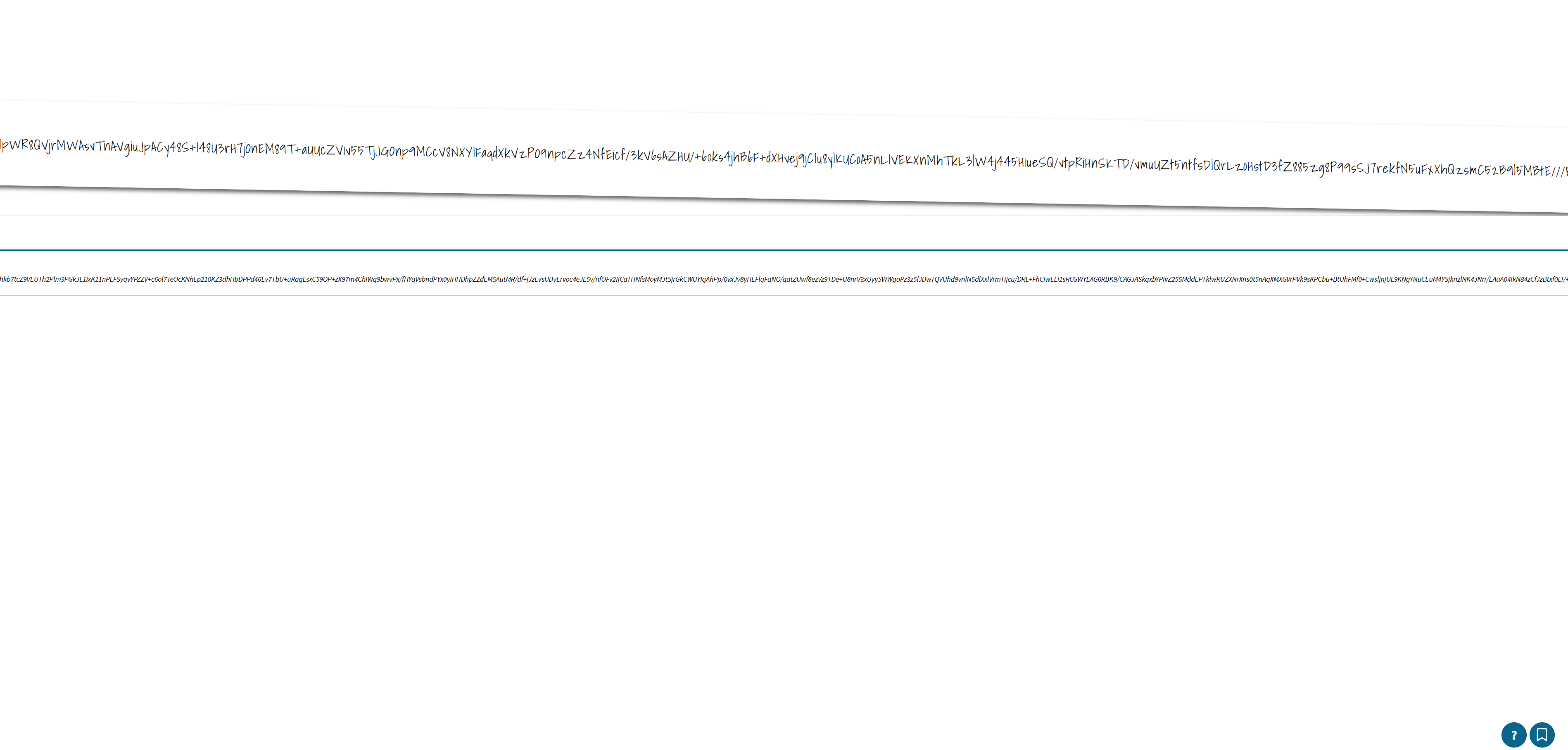
We use notes to store custom JSONs which are quite long. We want to update some of these but due to the UI, we cannot click the update button.
Kris
Hello,
We use notes to store custom JSONs which are quite long. We want to update some of these but due to the UI, we cannot click the update button.
Kris
Any updates for this @cetecerp
Hi Kris,
Thank you for bringing this to our attention. I can make a couple of recommendations to help improve the UI on your end.
I am also going to check with engineering to see if anything can be done to help clean up notes with especially long strings of text.
Thank you,
Cetec ERP Support Team
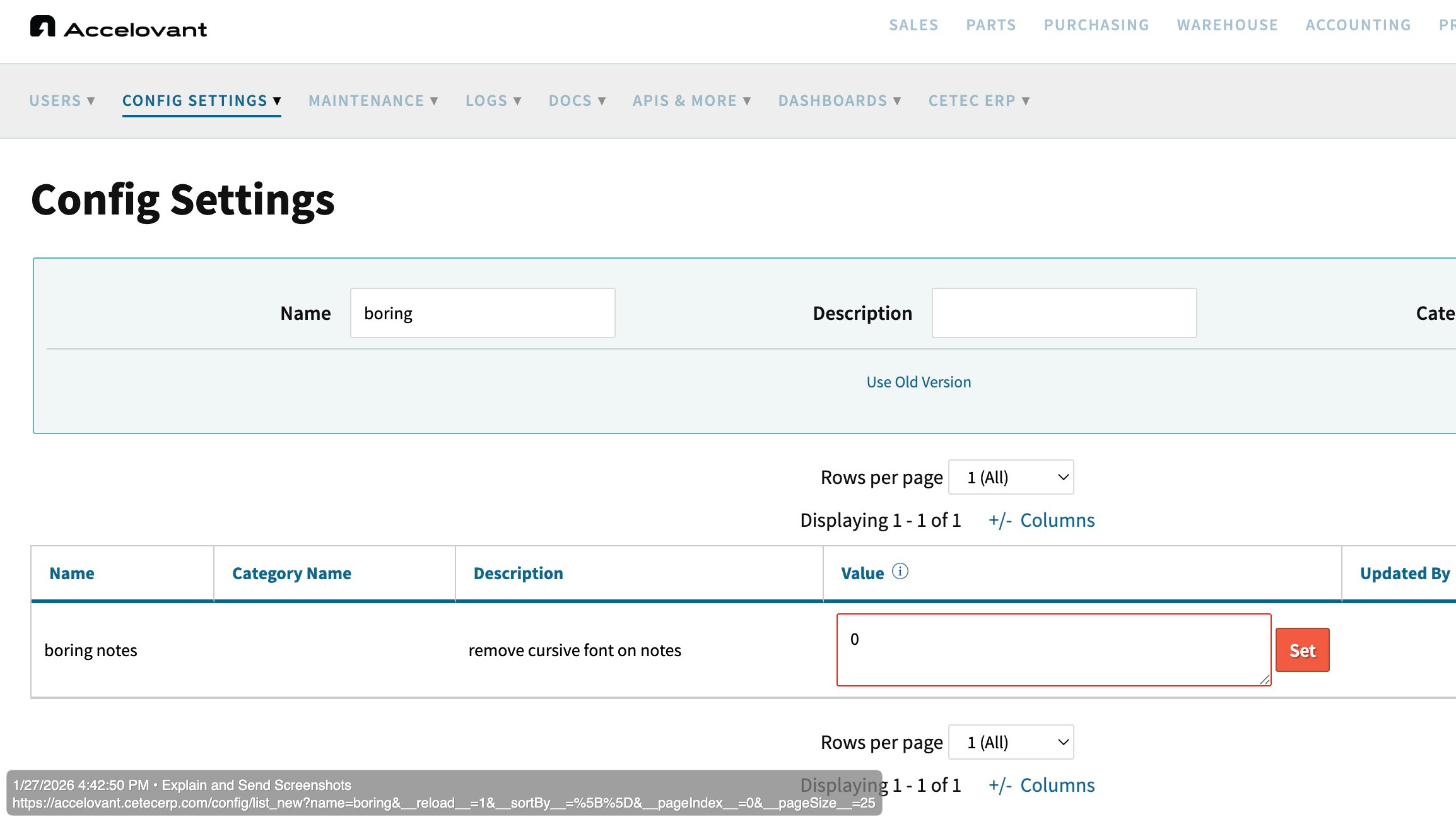
Turning on ‘boring notes’ helps bypass this issue, thanks.
Of course! Glad we could help.
Hi Kris,
Wanted to follow up with you on this and let you know that we’ve improved the formatting of those links so that now a very long link will condense into multiple lines instead of stretching on for one long line. You’ll see that in your environment in the next couple of weeks!
Have a great weekend!
Cetec ERP Support Team
Thank you!
Yes, this is a standard Cetec ERP UI problem: the whole notes layout is stretched since lengthy, continuous strings (often links) don’t wrap.
The visual remedy “boring notes = 1” is more effective. Proper word-wrap/break handling in the CSS is the true solution to ensure that lengthy content doesn’t degrade the user interface.
Engineering made a wise decision by correcting the rendering rather than just hiding it. Once editing tools are impacted, long-note handling in Cetec ERP unquestionably becomes a functional problem.